
Pick your template
Popular budget templates
Our bestselling money tools — each one set up in minutes and fully editable.


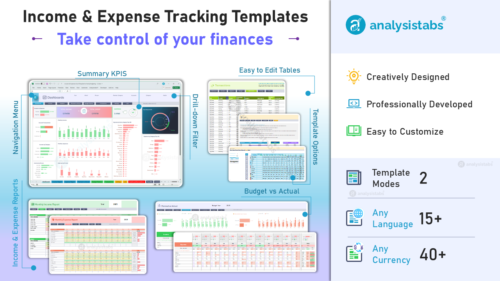
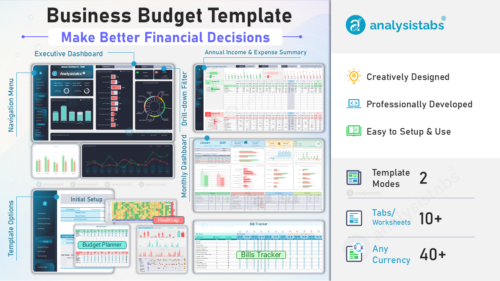
Expense trackers, bills & business
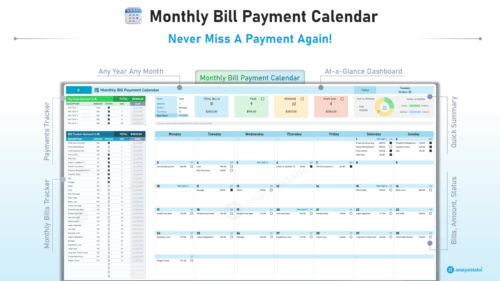
Track family spending, never miss a payment, and manage company finances.
Packs
Can’t decide? Pick how much you want.
Budgets only, the whole personal finance toolkit, or everything we make. Only Life OS includes the other two. Every item is listed, so you know exactly what you get.
Common questions
Which budget template should I start with?
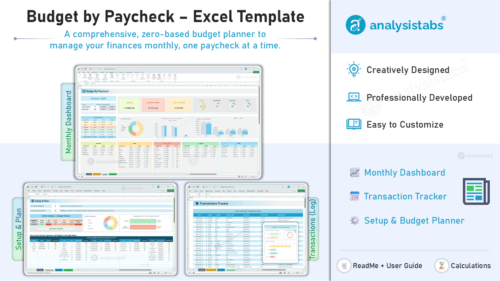
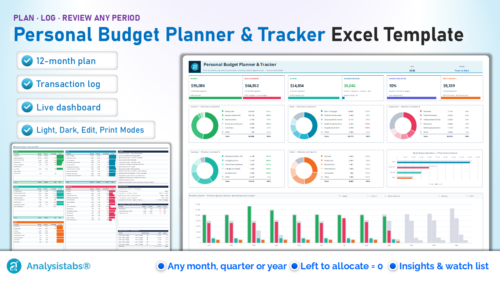
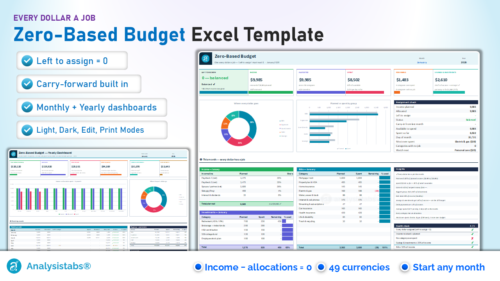
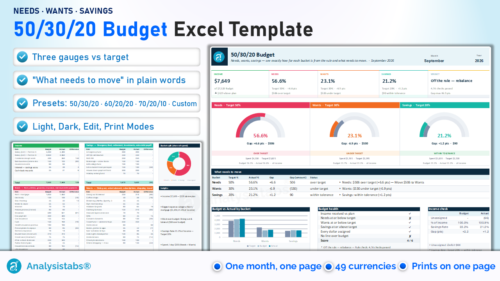
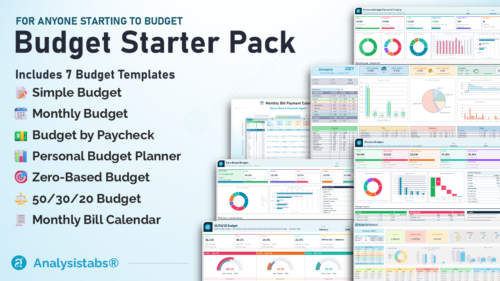
New to budgeting? Start with the Simple Budget ($19). Planning month by month? Monthly Budget ($29), or Annual & Monthly Budget ($39) for the year at a glance. Paid weekly or fortnightly? Budget by Paycheck ($19). Want every dollar assigned before the month starts? Zero-Based Budget ($19). Want a simple rule? 50/30/20 Budget ($19). Want to plan the year and log every transaction in one file? Personal Budget Planner & Tracker ($29). Can’t decide — the Budget Starter Pack ($49) includes all of them. And if you want debt payoff, savings, investments and net worth tools too, the Ultimate Personal Finance Excel Templates ($69) is the most complete single purchase.
Starter Pack, Ultimate or Life OS?
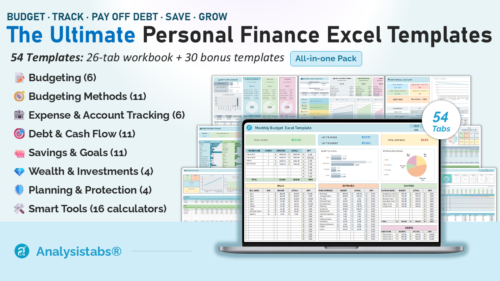
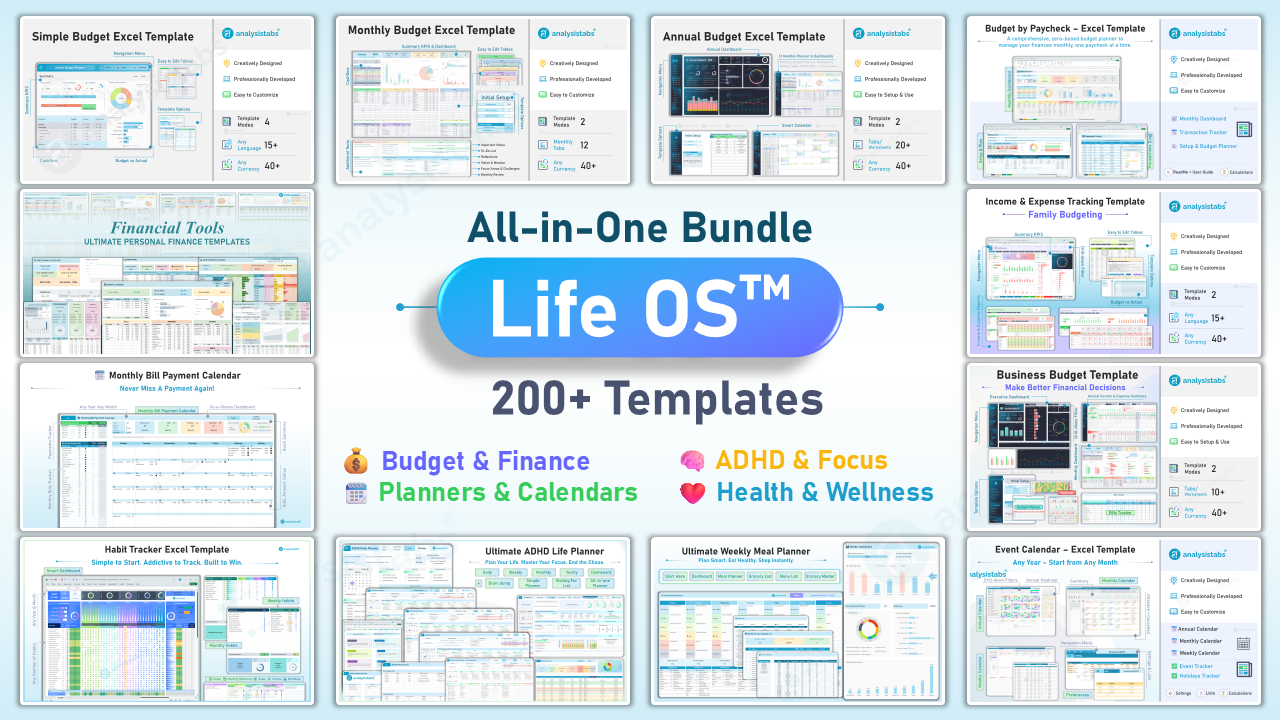
Three different sizes. The Budget Starter Pack ($49) is every budgeting method plus the bill calendar — seven templates and 50 bonus budgets. The Ultimate Personal Finance Excel Templates ($69) are 26 finance templates in one workbook — tracking, debt, savings, investments and net worth — plus 30 bonus templates. Life OS ($99) includes both, every other finance template we make and all the planners.
Do these connect to my bank account?
No — and that’s deliberate. Everything runs inside your own Excel file with no accounts, no linking and no data leaving your computer. Enter transactions manually or paste them from your bank’s export.
Do they work in any currency and language?
Yes. Every template lets you set your currency (40–49 built in, plus custom) and every label is editable, so you can use them in any language. Several include built-in language selectors.
Is this a subscription?
Never. One payment, lifetime access, free future updates — no monthly fees, and nothing expires.
Which Excel versions are supported?
Excel 2016 and later, including Microsoft 365 on Windows, Mac and Excel for the Web. Every template is 100% VBA-free, so there are no macro security warnings.
Should I buy templates individually or get Life OS?
If you need one or two tools, buy them individually. If you want three or more — or the planners, habit tracking and calendar as well — Life OS at $99 includes every finance template and pack on this page plus all the planner and habit templates, far less than buying them separately.
Can I edit and customise them?
Yes. Every template is fully customisable with no password — add your own categories, change the logic and adapt the layout however you like. Some templates lock formula cells to protect them from accidental edits; unprotect the sheet and edit anything.
Do I get updates?
Free lifetime updates on everything you buy. When we improve a template, the new version appears in your account downloads at no extra cost.