


Personal Budget Planner & Tracker Excel Template
Plan the year by month, log spending as it happens, read any period against plan — one dropdown away. A 12-month plan, a transaction log and a live dashboard in one workbook: pick a month, quarter, year to date or full year and see income, bills, expenses, savings and debt against what you planned.
Budget & Finance · Personal budgeting
What’s inside — two sheets you fill in, one that builds itself
Most budgets stop at the plan. This one keeps score: a 12-month plan, a transaction log, and a dashboard that reads both for any period you choose.

How it works
What makes it different

Pick a period — everything follows
One dropdown in the dashboard banner: any month, Q1–Q4, year to date or full year. Six KPI cards, five donuts, the spending breakdown, the monthly chart and every category table recalculate for that period — planned against actual, with the selected months highlighted in colour on the chart.
Insights, watch list and Top 5 — written for you
Below the charts, five category tables show planned, actual and % done bars. Then the sheet talks: plain-English insights for the period, a summary, an over-budget watch list of the categories that need attention, and the Top 5 transactions — so the weekly review takes two minutes.


Plan with every unit of income assigned
- Five sections × 12 months on one sheet, with section and month totals
- “Left to allocate” row stays at zero when income equals bills, expenses, savings and debt — the zero-based check, built in
- Categories renamed once in Setup and used everywhere: plan, log dropdowns and dashboard
Your currency, your screen, your printer
49 currencies plus a custom symbol. Edit mode highlights every input, Print mode strips colour for paper and fits the dashboard on one Letter page landscape, Dark mode is easy on the eyes for an evening review.

Specifications
Everything you need to know before you buy.
| You receive | Two Excel files: Sample Data (full 2026 plan and 380 transactions, January–September) and Blank (one example row per section, five example transactions). Download link by email immediately after payment. |
| File format | .xlsx (Excel). Instructions sheet included in the workbook |
| Works with | Excel 2016, 2019, 2021, 2024 and Microsoft 365 on Windows and Mac; Excel for the Web for viewing and light editing. Not built for Google Sheets |
| Macros | None. No external links. 100% formula-based |
| Sheets | Instructions · Setup · Budget Planning · Budget Tracking · Budget Dashboard · Calc (hidden) |
| Scope | One budget year per file, 12 months planned and tracked. Next year, copy the file and change the budget year in Setup |
| Categories | 9 Income · 10 Bills · 14 Expenses · 8 Savings · 8 Debt (spare rows included) — rename in Setup |
| Customisation | 49 currencies + custom symbol; Default, Edit, Print and Dark view modes; dashboard prints to one Letter page landscape. Inputs unlocked, formulas locked, no password — unprotect and edit anything |
Budget Packs
Other options
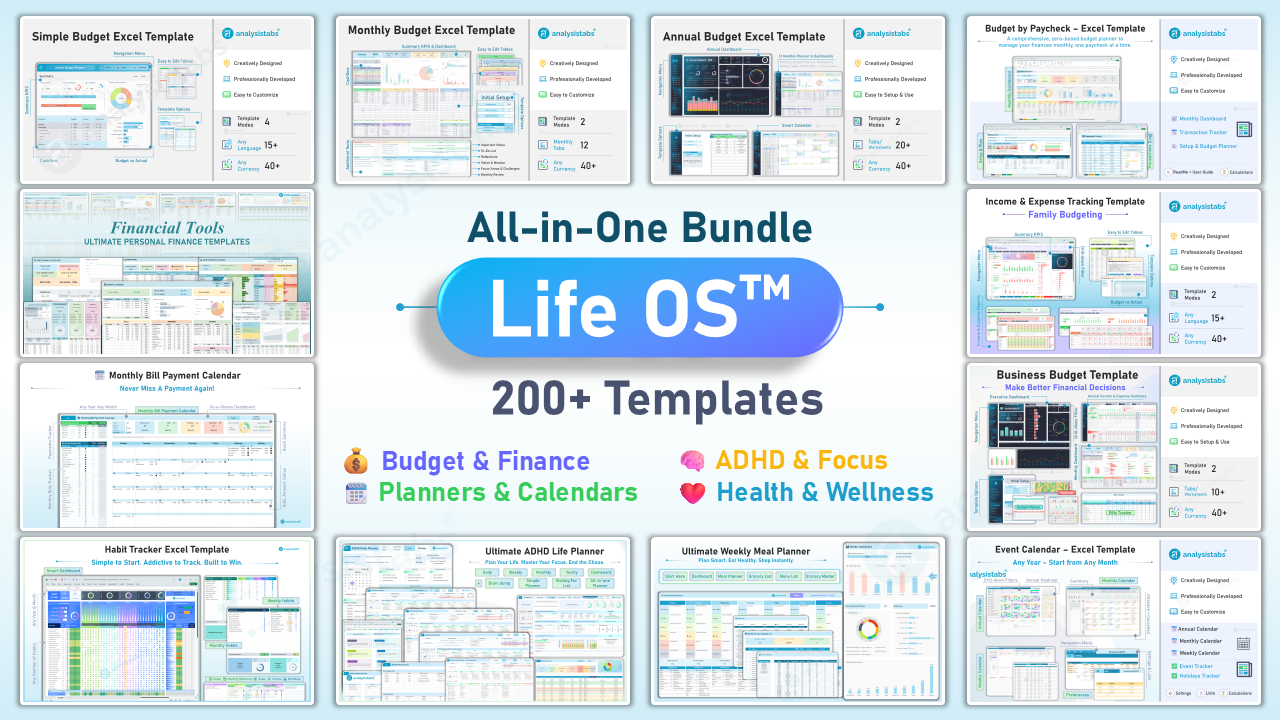
Got the budget covered? The Starter Pack adds every other budgeting method, the Ultimate templates go beyond budgeting into debt, savings and net worth, and Life OS is everything we make.


Questions before you buy
How many categories can I have?
9 Income, 10 Bills, 14 Expenses, 8 Savings and 8 Debt rows are provided, with spare rows. Rename them in Setup and the plan, the log dropdowns and the dashboard all follow.
What is the Effective date for?
It’s optional. Fill it to count a payment in a different month from its Date — rent paid on 31 January for February, or an early paycheck. Leave it blank and the Date is used.
Can I see a quarter or the whole year?
Yes. The Period selector on the dashboard offers every month, Q1–Q4, Year to date and Full year, and every card, chart and table follows.
What’s the difference between this and the Monthly Budget?
Monthly Budget plans and reviews one month at a time in its own tab. This template plans all 12 months on one sheet, logs every transaction, and reports any period against plan from one dashboard. If you want to track spending, this is the one.
Does it roll over to next year?
Copy the workbook, change the Budget year in Setup and clear the Tracking table. Your categories and plan structure carry over.
What’s the difference between the two files?
Sample Data is a filled 2026 example — a full-year plan and 380 transactions from January to September, so the dashboard shows real numbers the moment you open it. Blank has one example row per section and five example transactions so you see the pattern and start typing.
Can I change the currency?
Yes. 49 currencies are built in, plus a Custom option to type your own symbol in Setup.
Does it connect to my bank?
No. It’s a plain Excel file — nothing leaves your computer and there are no accounts. Type transactions in, or paste them from a bank export into the Tracking table.
Does it work on a Mac or in Google Sheets?
Excel for Mac 2016 or later, yes. It is not tested in Google Sheets — the dependent dropdowns, period engine and view modes rely on Excel features.
Can I add more rows?
The Tracking sheet is an Excel Table — new rows are added automatically as you type. Category rows in Planning include spares; rename them in Setup.
Is it a one-off payment?
Yes. $19 once, keep it forever, free updates. No subscription.
Is it cheaper in a pack?
Yes. The Budget Starter Pack includes this template and six others for $49, and Life OS includes everything we make for $99. Buy this one first and contact us with your order number if you upgrade — we’ll credit it.