


Budget & Finance · Personal budgeting
What’s inside — one sheet you fill in, one you set once
Most budgets tell you what you spent. This one tells you whether the shape of your spending is right.


How it works
What makes it different

Gauges that show the gap, not just the number
Each half-ring draws your actual share around the target ring. The big number is your actual %, the caption gives the gap in points and money, and the status reads over, under or within tolerance — so you see at a glance which bucket is the problem.
“What needs to move” — in plain sentences
Below the gauges, a table lists target %, actual %, gap and status for each bucket, and sentences underneath say exactly how much to shift and where: “Needs: $506 over target — move $506 to Wants.” When all three are within tolerance, it tells you the month follows the rule.


The rule bends to your fixed costs
- Presets for 50/30/20, 60/20/20, 70/20/10 and 50/20/30, or type your own three percentages
- Tolerance setting, so a 1-point drift isn’t flagged as a failure
- Six-check Budget health score and an Income check that catches unassigned dollars or a deficit
Your currency, your language, your screen
49 currencies plus a custom symbol; 16 languages plus custom labels. Edit mode highlights every input, Print mode strips the colour bars for paper, Dark mode is easy on the eyes for an evening review.
Specifications
Each pack is built for one situation; Life OS includes all three plus every planner.
| You receive | Two Excel files: Sample Data (pre-filled September 2026 two-earner household) and Blank (one example row per table). Download link by email immediately after payment. |
| File format | .xlsx (Excel). Instructions sheet included in the workbook |
| Works with | Excel 2016, 2019, 2021, 2024 and Microsoft 365 on Windows and Mac; Excel for the Web for viewing and light editing. Not built for Google Sheets |
| Macros | None. No external links. 100% formula-based |
| Sheets | Instructions · Setup · 50-30-20 Budget · Calc (hidden) |
| Scope | One month per file — a fast monthly check-in. For 12-month planning see the Personal Budget Planner & Tracker |
| Split rule | Presets 50/30/20 · 60/20/20 · 70/20/10 · 50/20/30 · Custom, with adjustable tolerance |
| Customisation | 49 currencies + custom symbol; 16 languages + custom labels; Default, Edit, Print and Dark view modes. No password — every cell, label and formula is editable |
Budget Packs
Other options
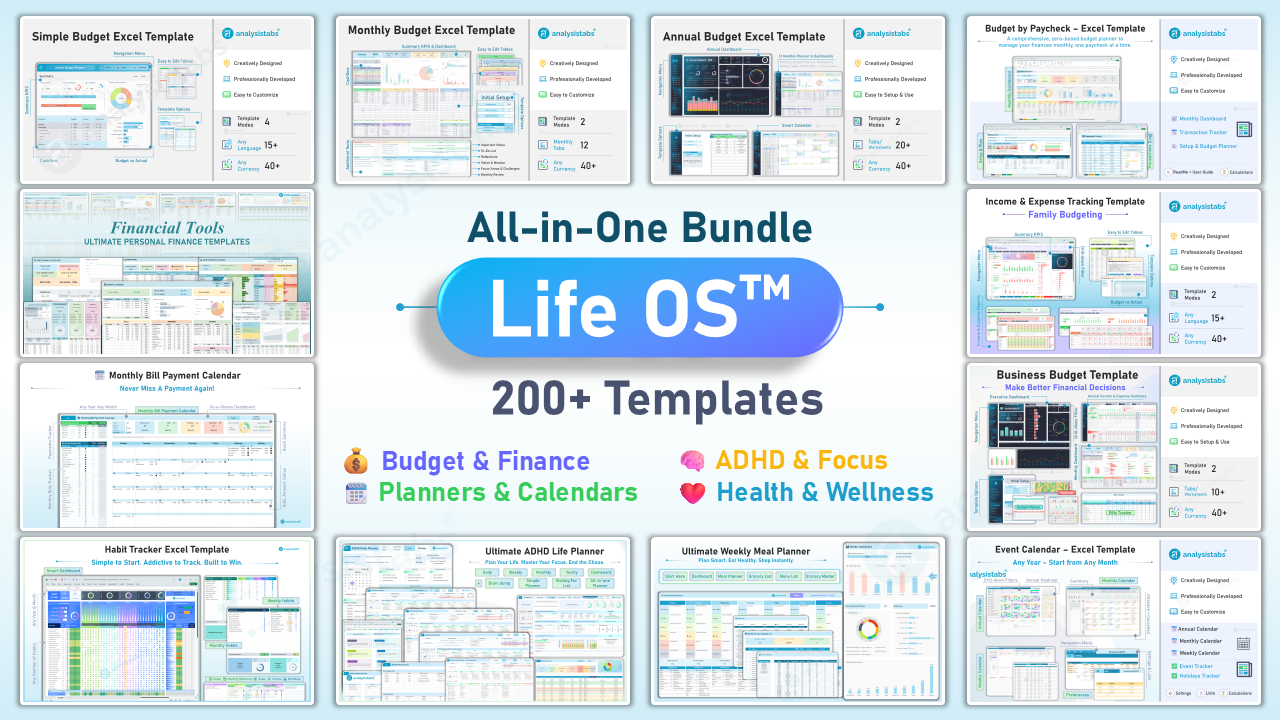
Got the budget covered? The Starter Pack adds every other budgeting method, the Ultimate templates go beyond budgeting into debt, savings and net worth, and Life OS is everything we make.


Questions before you buy
Is the 50/30/20 split fixed?
No. Pick 60/20/20, 70/20/10, 50/20/30 or Custom in Setup, and every gauge, target and correction sentence follows the new split. A tolerance setting decides how far a bucket may drift before it’s flagged.
Does it track a whole year?
It’s a one-month snapshot by design — a fast monthly check-in. Keep one file per month, or for twelve-month planning with a transaction log see the Personal Budget Planner & Tracker.
What is the difference between this and the Zero-Based Budget?
Zero-Based assigns every dollar to a specific line until nothing is left. 50/30/20 checks the shape of your spending against three buckets. Zero-Based is more control; 50/30/20 is faster and needs fewer categories. Both are in the Budget Starter Pack.
Where does debt payoff go?
Minimum payments are Needs; extra principal counts as Savings, as the rule intends. The table headers say so, so you don’t have to remember.
What’s the difference between the two files?
Sample Data is a filled example — a realistic two-earner household that deliberately runs Needs above 50% so you can see the gap logic working. Blank has one example row per table so you see the pattern and start typing.
Can I change the currency or language?
Yes. 49 currencies and 16 languages are built in, plus Custom for both — type your own symbol or your own labels in Setup.
Does it connect to my bank?
No. It’s a plain Excel file — nothing leaves your computer and there are no accounts. Type your numbers in or paste them from a bank export.
Does it work on a Mac or in Google Sheets?
Excel for Mac 2016 or later, yes. Google Sheets is not supported — the gauges and view modes rely on Excel features.
Can I add more rows to the tables?
Yes. Insert rows inside any table and the totals, gauges and checks pick them up. Every cell is editable; there is no password.
Is it a one-off payment?
Yes. $19 once, keep it forever, free updates. No subscription.
Is it cheaper in a pack?
Yes. The Budget Starter Pack includes this template and six others for $49, and Life OS includes everything we make for $99. Buy this one first and contact us with your order number if you upgrade — we’ll credit it.